AI 101 — Local LLMs vs cloud APIs: what's the difference?
A local LLM is an AI model that runs on hardware you own — the actual math happens on your laptop, phone, or server. A cloud API is the same kind of model running on someone else's machines, which you reach over the internet and pay for by the token. Same technology, two very different deals about privacy, cost, and control.
Why the question is live right now
For most of the last three years, "using AI" meant calling an API. The model lived on a provider's servers; you sent a prompt, got an answer, and paid a metered bill. That default is breaking. Perplexity now ships a local agent app that runs on Nvidia's DGX Spark desktop and on Linux PCs with RTX cards holding at least 24GB of VRAM, and Apple has been marketing the M5 Ultra Mac Studio explicitly as a machine for local AI. We covered both launches this week: Perplexity's Portable Computer runs AI agents entirely offline and Apple's new Mac Studio and Mac mini are built for local AI. The reason is economics: chat was bursty, but agents run constantly, and a constant cloud workload reads as a bill. On hardware you already own, the marginal cost of another million tokens is electricity.
The mental model
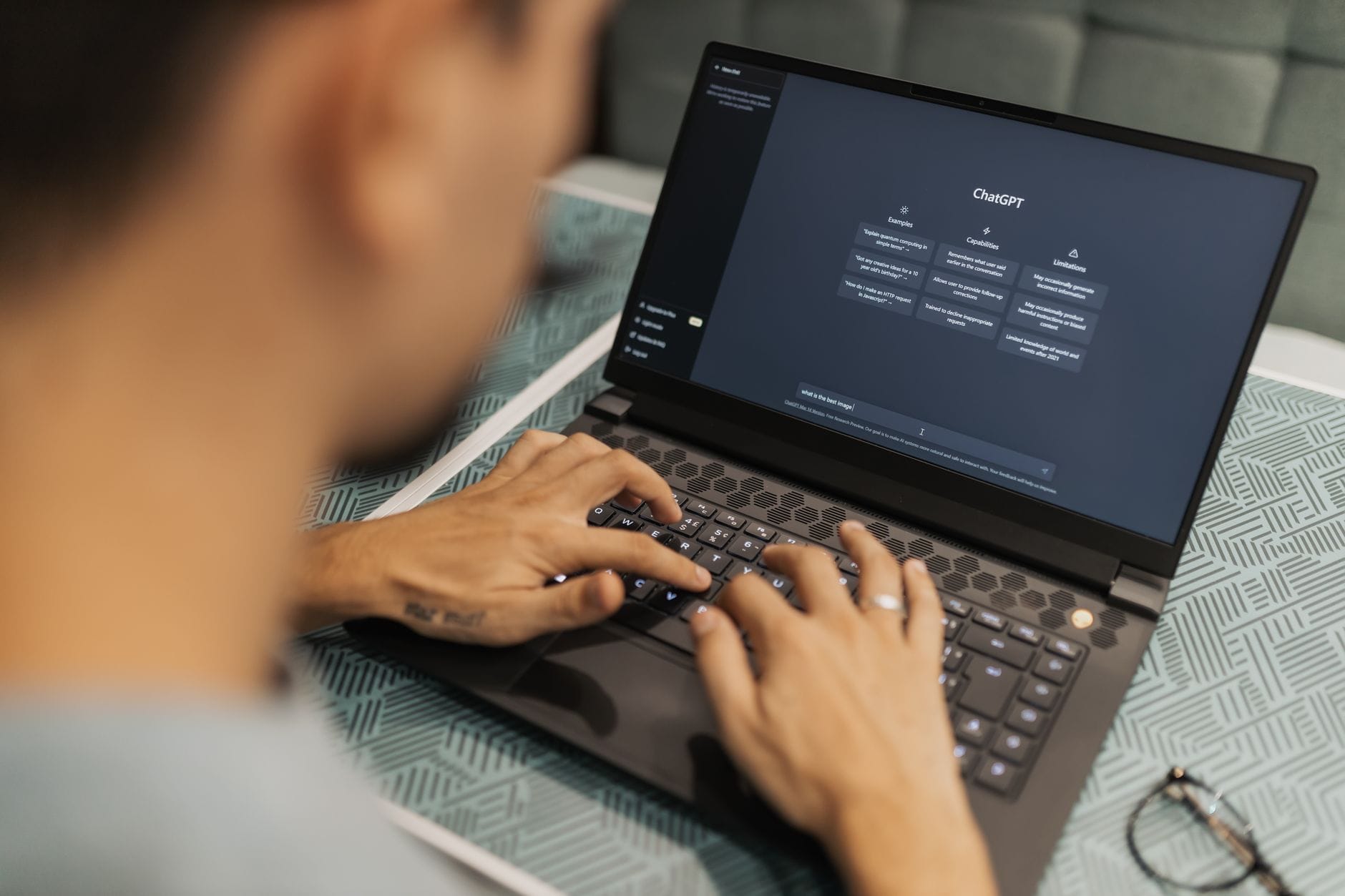
Think of the model as software that has to actually execute somewhere. In the cloud version, your text travels to a data center, the model reads it there, the answer comes back, and the provider keeps a record. In the local version, the model file sits on your disk — anywhere from under a gigabyte to tens of gigabytes — and your text never leaves the machine. Locally, you get privacy by architecture, no per-token bill, and the ability to keep working with no internet at all. The cloud gets you frontier capability on demand, no hardware to buy, and a model that updated itself while you weren't looking. What you give up locally is raw horsepower: the biggest, most capable models need more memory than any consumer machine has, and compact models you can run at home still trail the frontier on hard multi-step reasoning.
The kitchen analogy
Cooking at home versus ordering from a restaurant. At home, you buy the ingredients and the pans, you know exactly what went in the pot, nobody writes down what you ate, and the twentieth meal costs roughly the same as the first. But you are limited to recipes your kitchen can handle — no sous-vide bath, no walk-in freezer. The restaurant has a brigade of chefs and equipment you can't fit in your apartment, and you simply ask for what you want and pay per plate. Most people do both: a decent dinner at home most nights, the restaurant when it genuinely matters. That is exactly how hybrid AI works — routine work on the local model, hard steps escalated to a frontier model. Perplexity's own numbers show the shape of it: on a coding benchmark, fully local execution scored 59.6 percent for free; routing hard steps to a cloud model reached 73.0 percent for about 42 cents a task, while pure cloud ran 82.4 percent at 65 cents.
Common misconceptions
"Local means my data is automatically safe." It means the data doesn't leave. If the machine is compromised, or your local agent has file access and a sloppy permission model, your data is still exposed — just to a different attacker.
"Cloud means they train on my prompts." Not by default with the major API providers. OpenAI states that since March 1, 2023, data sent to its API is not used to train models unless you explicitly opt in, that abuse-monitoring logs are retained for up to 30 days by default, and that approved customers can request zero-data-retention controls. Consumer chat products can have different defaults — check the setting rather than assuming.
"The cloud can't be private either." It can be, and Apple's Private Cloud Compute is the working example: requests run on dedicated Apple silicon servers where the data is not accessible to anyone but the user, not even Apple, nothing is retained after the response, and external researchers can inspect the software to verify it.
"Local is free." The tokens are free; the hardware isn't, and neither is the tuning. A recent survey of edge deployment found no single technique wins across tasks — quantization worked best for question answering, pruning for image segmentation, and a badly chosen compression method made a Raspberry Pi run up to 3.4 times slower.
Where to learn more
If you want to try it, the two friendly front-ends are Ollama and LM Studio, both of which download a model, run it, and expose it to your apps without touching a terminal. The models you can realistically run are open-weight ones, which is why AI 101 — What are open-weight models? is the natural next read, and AI 101 — What is model quantization? explains the trick that squeezes them onto your hardware in the first place. For the billing side you're escaping, AI 101 — What is a token in AI? covers how cloud pricing is measured.
Related reading: AI 101 — What is a mixture of experts? explains the architecture that makes big models runnable on modest hardware, and AI 101 — What is model quantization? covers the size reduction that makes local models fit.
Would you run AI locally if it meant accepting a noticeably weaker model — or is frontier capability worth sending your data to someone else's server? Tell us in the comments.
Sources: AI Midday — Perplexity's Portable Computer runs AI agents entirely offline · OpenAI — Data controls in the OpenAI platform · Apple Security Research — Private Cloud Compute · Large Models for Small Devices: Recent Advances and Empirical Analysis of Edge AI Deployment (arXiv) · AI Midday — Apple's new Mac Studio and Mac mini are built for local AI